Infosoft POS

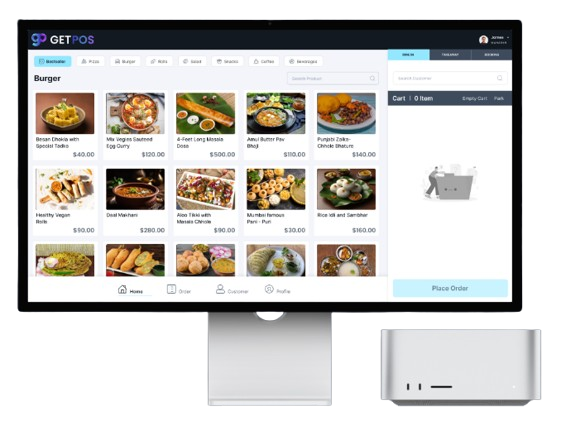
Infosoft POS System for the Modern Food Industry

Manage orders, payments, inventory, & simplify restaurant operations.

Get started
POS System
ERP POS

Infosoft POS

for a Food Business Online.


An Infosoft POS system is not just a luxury; it's a necessity. KIOSK ordering has revolutionized the way customers interact with restaurants, offering a seamless and quick ordering experience. With customers expecting faster service, integrating a robust POS system like Infosoft POS ensures that your food business stays competitive and meets modern expectations.
Infosoft POS’s Complete Solution for All Tricky Problems

Infosoft POS is designed to address these challenges head-on, providing a customizable solution for every aspect of your food business.

Customer Kiosk

Customer Kiosk

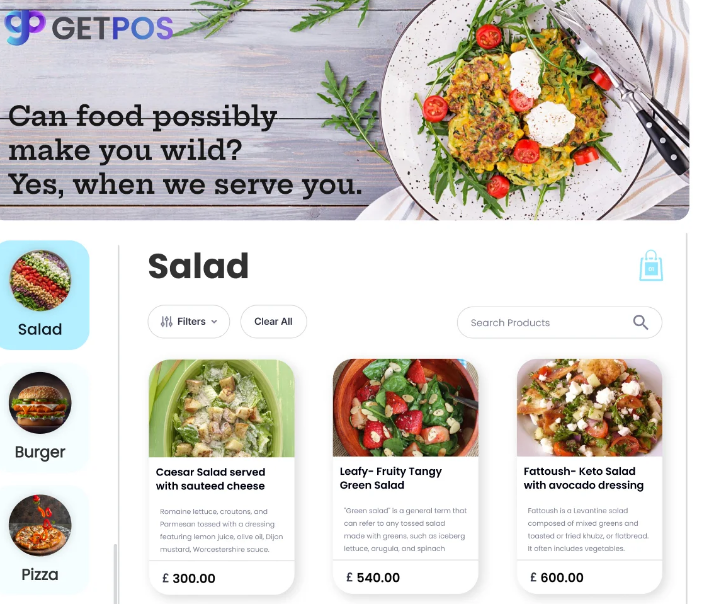
The Customer Kiosk feature revolutionizes how patrons interact with your business. Customers can browse products, add items to their cart, and choose from various payment options, including credit/debit cards, digital wallets, and cash. The intuitive interface is designed for all age groups, making it accessible and user-friendly for everyone.

Store Admin

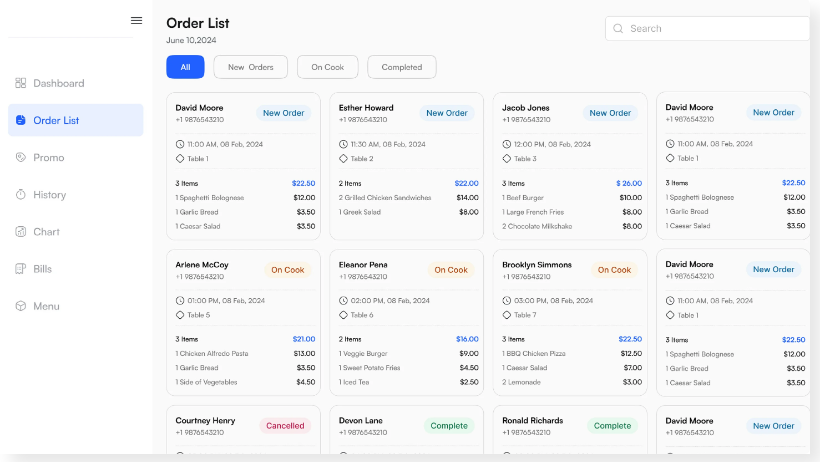
The Store Admin module streamlines store operations by efficiently managing profiles, catalogs, users, and orders. Detailed reports provide insights into sales performance, customer preferences, and inventory levels. Customer ratings are monitored to gauge satisfaction, and promotional codes can drive sales and attract new customers.

Store Admin
Customer Kiosk

Merchant Admin

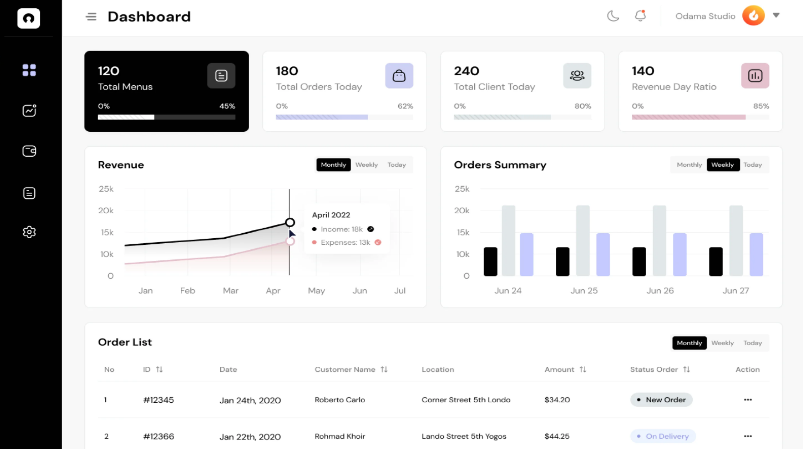
Merchant admins oversee and manage the entire business, handling profiles, catalogs, users, and orders. Additionally, they can configure POS and Kitchen Display Systems (KDS) for comprehensive management. Detailed analytics provide i nsights into franchise performance, enabling data-driven decision-making and strategic planning.

KDS & CDS

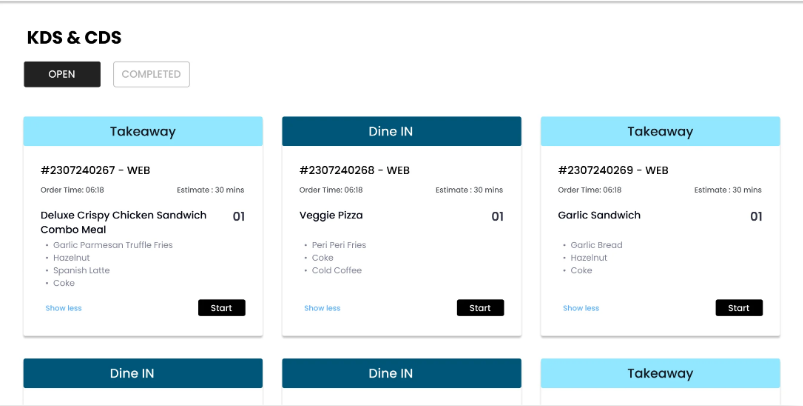
The Kitchen Display System (KDS) improves kitchen operations with easy-to-read digital order displays that update in real-time, reducing errors and enhancing order preparation times. The Customer Display System (CDS) shows real-time order status and details, keeping customers informed and engaged, enhancing their overall dining experience.

Store Admin
Customer Kiosk

Business Admin

Customizable settings allow them to tailor the system to meet specific client needs, ensuring personalized service. This role focuses on maintaining client relationships, configuring the system for various business requirements, and enhancing overall service delivery, contributing to the long-term success of the business..

Customer Website and Mobile App

The customer-facing features provide a seamless experience with easy login, profile management, product browsing, and secure checkout. Real-time order tracking allows customers to monitor their orders from preparation to delivery. These features ensure a user-friendly and convenient shopping experience.

Store Admin
Customer Kiosk

POS and Table Management (Front-End)

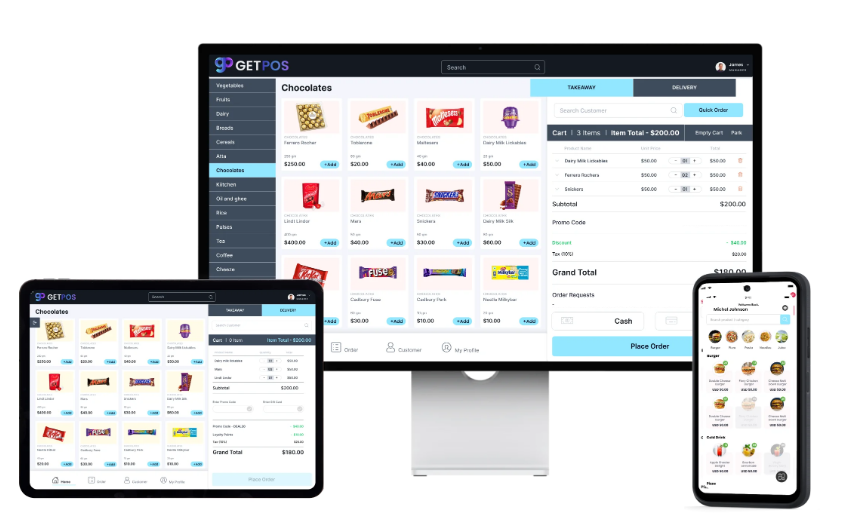
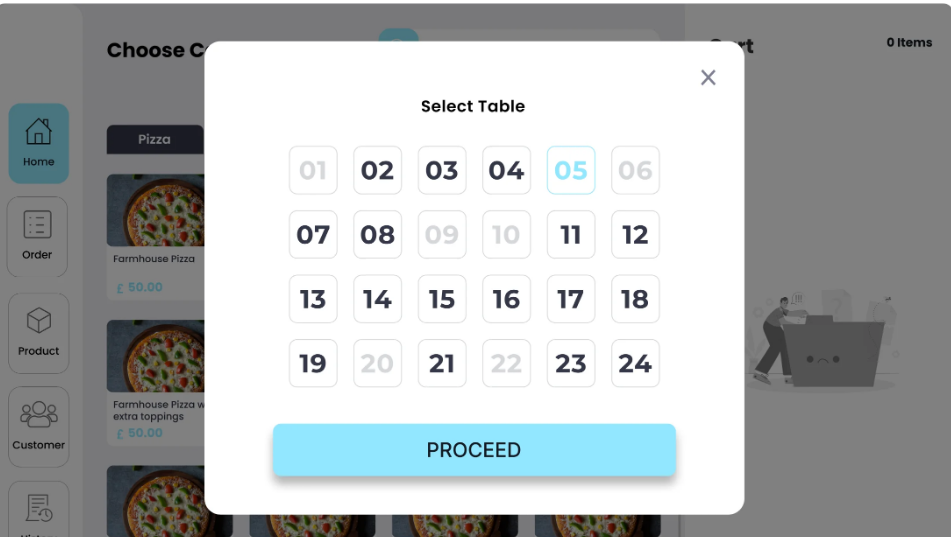
POS and Table Management front-end functionalities enhance daily operations. POS users can log in securely, manage shifts, create and manage orders swiftly, and handle customer details and reservations. Table management features allow staff to view available tables, assign reservations, and update statuses in real-time.

Your Success!

Our InfosoftPOS

Take the first step towards transforming your food business with InfosoftPOS . Join the growing number of restaurants, cafes, and cloud kitchens that are experiencing the benefits of an advanced POS system.